Module 5, Lesson 2: The Anatomy of a Good Prompt — Context, Task, Format, Constraints
Listen to this lesson
Module 5, Lesson 2: The Anatomy of a Good Prompt — Context, Task, Format, Constraints
Estimated reading time: 8 minutes
Introduction
In Lesson 1, we established that better prompts get better results. But what actually makes a prompt "better"? Is it just about writing more?
Not quite. It's about including the right information. And there's a simple framework that works every time.
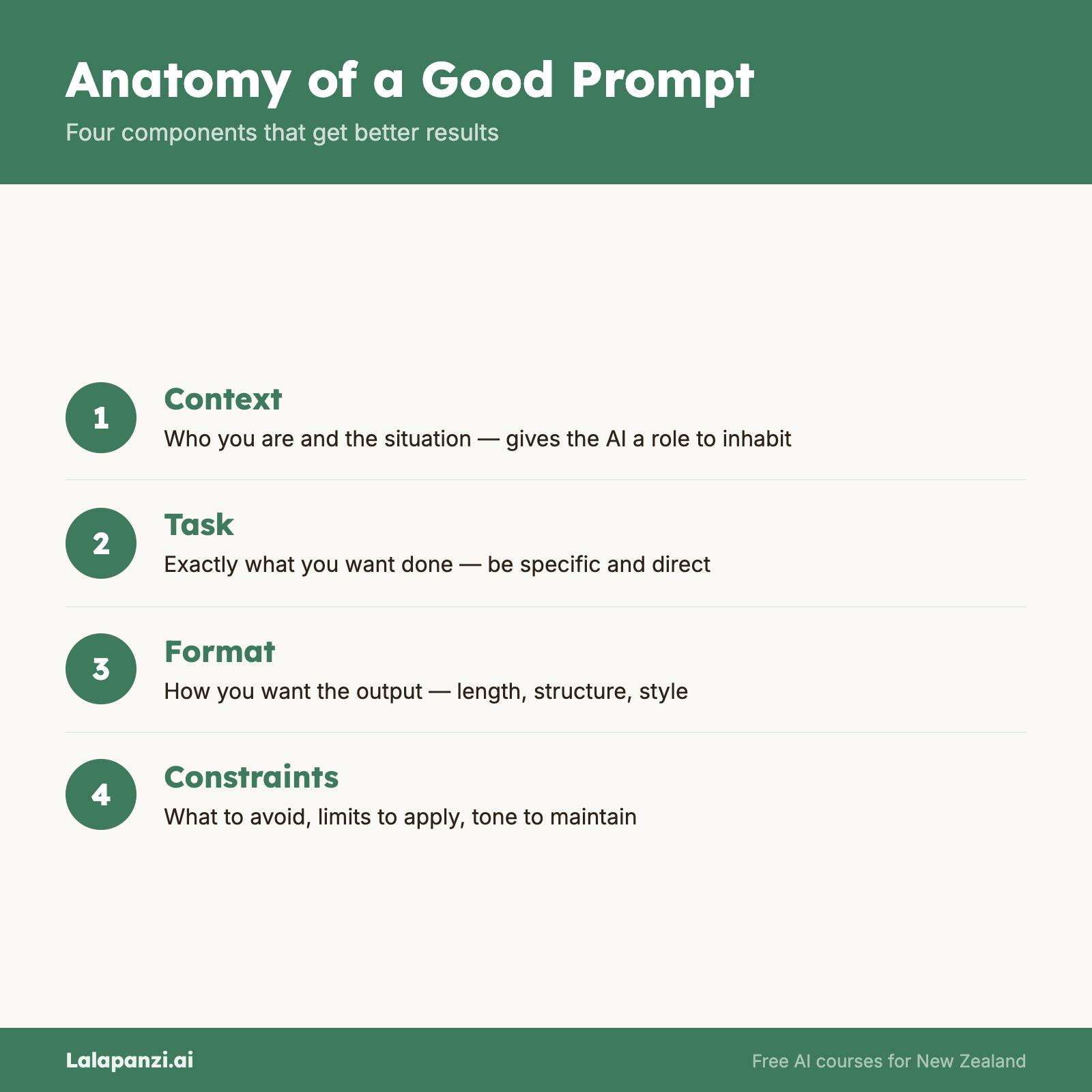
A good prompt has up to four building blocks:
- Context — Who are you? What's the situation?
- Task — What do you want the AI to do?
- Format — How should the answer look?
- Constraints — What limits or rules apply?
You don't always need all four. But knowing they exist means you can deliberately choose what to include — and that's where the magic happens.
1. Context: Set the Scene
Context is the background information the AI needs to give you a relevant answer. Without it, the AI guesses — and it usually guesses generic.
❌ Without Context
Write a welcome email.
A welcome email for what? A new customer? A new employee? A newsletter subscriber? A gym member? The AI has no idea, so it'll produce something bland and generic.
✅ With Context
I run a small accounting firm in Auckland. We've just signed a new small business client who seemed nervous about switching accountants.
Now the AI understands the situation. It can tailor the tone (reassuring), the content (what to expect), and the details (relevant to accounting, NZ context).
What to include as context:
- Who you are or who you're writing for
- The situation or background
- Who the audience is
- Any relevant details the AI wouldn't know
Think of context as everything you'd tell a new colleague before asking them to do the task. If they'd need to know it, the AI needs to know it too.
2. Task: Say Exactly What You Want
This seems obvious, but most weak prompts fail here. They're vague about what they actually want the AI to do.
❌ Vague Task
Help me with my business plan.
"Help" could mean anything. Write it? Review it? Brainstorm ideas? Fix the financial projections? The AI will pick one interpretation and run with it — probably not the one you needed.
✅ Clear Task
Write an executive summary for my business plan. It should explain what the business does, who it serves, the revenue model, and why now is the right time to launch.
Now there's no ambiguity. The AI knows exactly what to produce.
Tips for clear tasks:
- Use action verbs: write, summarise, compare, list, explain, review, rewrite
- Be specific about the scope — what's included and what's not
- If there are multiple parts, number them
3. Format: Tell the AI How to Structure It
This is the one most people forget. You can dramatically change the usefulness of a response just by specifying the format.
❌ No Format Specified
What are the pros and cons of working from home?
You'll get a wall of text. Paragraphs running together. Hard to scan, hard to use.
✅ Format Specified
List the pros and cons of working from home in a two-column table. Include at least 5 of each. Keep each point to one sentence.
Same information, but now it arrives in a format you can actually use — paste it into a document, share it with your team, or drop it into a presentation.
Common formats you can request:
- Bullet points or numbered lists
- Tables
- Step-by-step instructions
- Email format
- Short paragraphs with headings
- A specific word count
- "Explain it like I'm [audience]"
4. Constraints: Set the Boundaries
Constraints are the rules, limits, and guardrails you put around the task. They stop the AI from going off track or producing something you can't use.
❌ No Constraints
Write a social media post about our new product launch.
You might get a 300-word essay when you needed a punchy tweet. Or an overly casual tone when your brand is professional. Or it might include claims you'd never make.
✅ With Constraints
Write a LinkedIn post about our new cloud accounting software for small NZ businesses. Keep it under 150 words. Professional but approachable tone. Don't use words like "revolutionary" or "game-changing." End with a question to encourage comments.
The constraints keep the output within your requirements. They're like bumper rails in bowling — they keep things on track.
Common constraints:
- Word or character limits
- Tone (formal, casual, professional, friendly)
- What to avoid (specific words, topics, claims)
- Audience level (expert, beginner, general public)
- Language requirements (NZ English, plain language)
Putting It All Together
Let's build a complete prompt using all four elements.
❌ The Bare Minimum
Write a job ad.
✅ The Full Framework
[Context] I'm hiring a part-time office administrator for a small architecture firm in Wellington. We're a team of 6 and the culture is collaborative and relaxed but professional. The role is 20 hours per week, flexible days.
[Task] Write a job advertisement that describes the role, lists key responsibilities, and outlines what we're looking for in a candidate.
[Format] Use clear headings for each section. Bullet points for responsibilities and requirements. Keep the total length under 400 words.
[Constraints] Friendly, approachable tone — we want to attract people who'd enjoy working in a small team. Don't include salary (we'll discuss that with candidates). Use NZ English spelling.
You don't need to label the sections like this in practice — the AI doesn't need the labels. But while you're learning, it can help you make sure you've covered everything.
You Don't Always Need All Four
A quick question might only need a task: "What's the capital of Fiji?" Done.
But for anything where quality matters — work emails, content, analysis, planning — running through the four-part checklist will consistently improve your results.
Here's a simple rule of thumb:
- Quick factual question? Task is enough.
- Something you'll actually use? Add context and format.
- Something important? Use all four.
The Framework in Action: One More Example
Let's say you need help preparing for a difficult conversation with a staff member.
❌ Bad Prompt
How do I talk to an employee about their performance?
✅ Good Prompt
Context: I manage a small retail team. One staff member has been consistently late for the past three weeks and it's affecting the rest of the team. I've never had to have a formal performance conversation before. I want to be fair but clear.
Task: Give me a script or talking points for a 15-minute conversation with this staff member about their lateness.
Format: Numbered steps I can follow during the conversation, with suggested phrases I can use.
Constraints: Keep it constructive, not punitive. I want to understand if there's an underlying issue. The tone should be firm but empathetic. NZ employment context.
The difference in output quality between these two prompts is enormous. And it only takes an extra minute to write the good one.
Key Takeaways
- Every good prompt has up to four parts: context, task, format, and constraints.
- Context tells the AI who you are and what the situation is — without it, responses are generic.
- Task must be specific and use clear action verbs — "help me with" is almost never specific enough.
- Format controls how the response is structured — tables, bullet points, word counts all make outputs more usable.
- Constraints set boundaries — tone, length, what to avoid, audience level.
Practical Exercise
Task: Rewrite three prompts using the four-part framework.
Take each of these weak prompts and rewrite them with context, task, format, and constraints:
- "Write me a cover letter."
- "Explain cryptocurrency."
- "Give me a meal plan."
For each one, invent realistic context (who you are, what you need it for) and decide on a format and constraints that would make the result actually useful to you.
Run your improved prompts through an AI tool and see the results. Then try removing one element at a time (e.g., take out the format, or remove the constraints) and notice how the output changes.
Knowledge Check
1. Which part of the prompt framework tells the AI how to structure its response?
a) Context b) Task c) Format d) Constraints
Answer: c) Format specifies the structure — bullet points, tables, word counts, headings, and so on.
2. You need the AI to write a staff announcement but want it kept under 100 words in a professional tone. Which part of the framework handles this?
a) Context b) Task c) Format d) Constraints
Answer: d) Word limits and tone requirements are constraints — they set boundaries on the output.
3. What's the most common reason a prompt produces a generic, unhelpful response?
a) The AI model is too old b) The prompt lacks context and specificity c) The AI is having a bad day d) The user didn't pay for the premium version
Answer: b) Generic prompts produce generic responses. Adding context, a specific task, format, and constraints consistently improves output quality.
Visual overview