Module 4, Lesson 4: Email, Meeting Notes, and Daily Productivity
Listen to this lesson
Module 4, Lesson 4: Email, Meeting Notes, and Daily Productivity
Estimated reading time: 8 minutes
The Small Wins That Add Up
The biggest productivity gains from AI don't come from dramatic, once-in-a-while use cases. They come from small time savings on tasks you do every day. An email drafted in two minutes instead of ten. Meeting notes generated automatically instead of typed up after the fact. A quick summary of a long email thread so you can catch up without reading everything.
Individually, these are small. Over a week, a month, a year — they're significant.
This lesson covers the everyday productivity tasks where AI makes the most practical difference.
Drafting emails
We covered this in the writing lesson, but it's worth repeating here because email is where most people spend a shocking amount of their working time.
Quick-fire email prompts that work:
- "Draft a polite follow-up email to a client who hasn't responded to my proposal sent last Wednesday. Keep it brief — three sentences max."
- "Write a reply to this email declining the meeting invitation. Be professional and suggest two alternative dates: Monday 3 March or Thursday 6 March."
- "I need to email my team about the new leave policy. The key changes are: leave now accrues monthly instead of annually, and unused leave carries over for 12 months. Tone should be clear and neutral."
Summarising email threads
When you come back from leave (or just from a long meeting) to find a 20-message email thread, AI can catch you up:
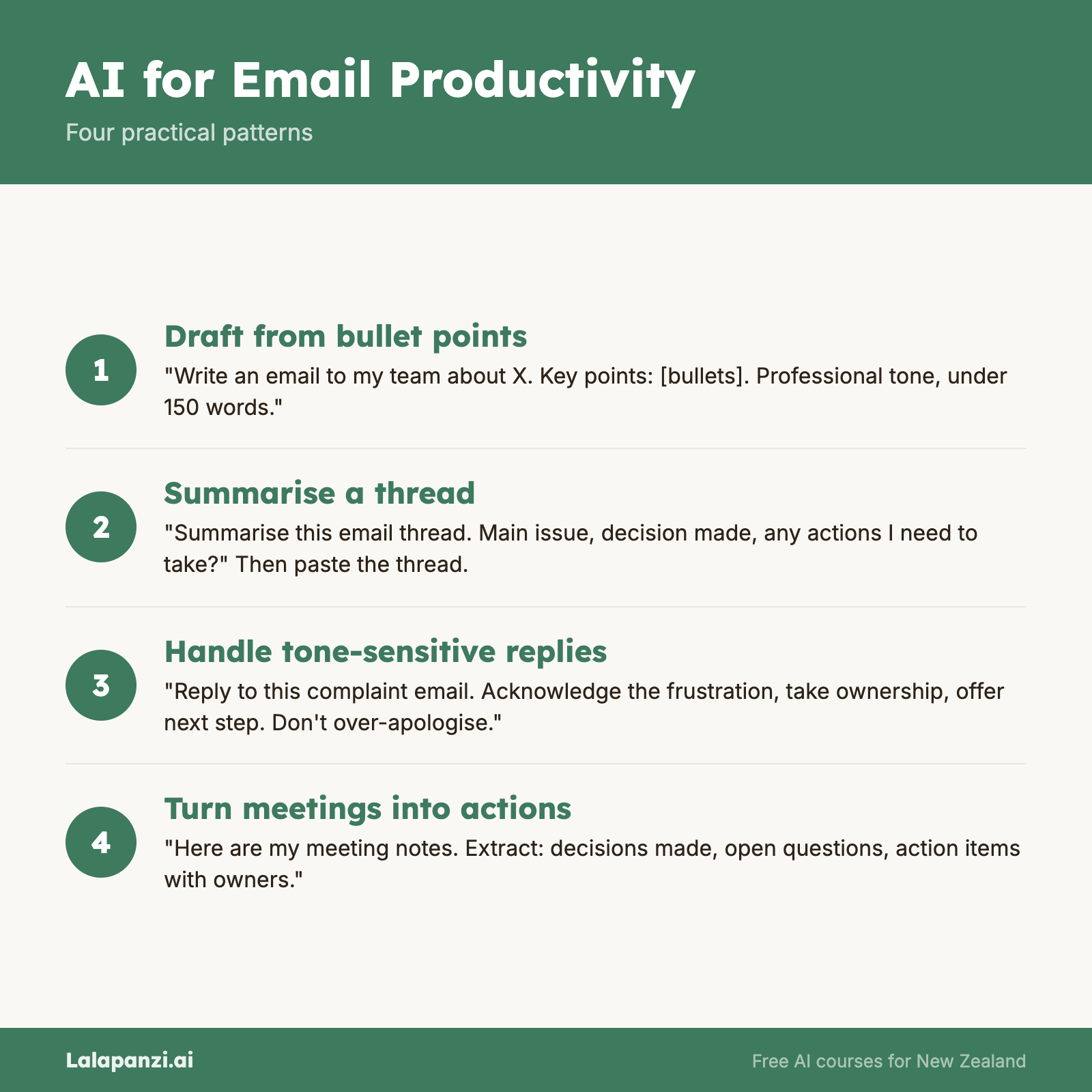
Prompt: "Summarise this email thread. What's the main issue, what was decided, and is there anything I need to action?" Then paste in the thread.
Where AI email features live
- Microsoft Copilot in Outlook — Draft replies, summarise threads, and catch up on missed emails directly in Outlook. Requires Microsoft 365 Copilot licence.
- Gemini in Gmail — Draft emails, suggest replies, and summarise conversations within Gmail. Available on Google Workspace plans with Gemini.
- Any AI chat tool — Copy and paste email text into ChatGPT, Claude, or another tool. Less seamless but works with any email provider.
Email etiquette note
Always read AI-drafted emails before sending. Check that:
- The tone is right for the recipient and situation
- The facts are correct
- It sounds like you (not like a robot)
- You haven't accidentally included the AI's instructional text
The goal is an email that sounds like you wrote it on a good day — not one that obviously came from an AI.
Meeting Notes and Summaries
Taking notes during meetings is a pain. You're either listening or writing — doing both well at the same time is hard. AI can solve this.
Automated transcription and summaries
Several tools can join your meetings, transcribe them, and generate summaries:
- Microsoft Copilot in Teams — Transcribes meetings in real time, generates summaries, lists action items, and lets you ask questions about what was discussed ("Did anyone mention the budget?"). Works automatically for Teams meetings if your organisation has Copilot.
- Otter.ai — Joins Zoom, Google Meet, or Teams meetings. Transcribes in real time and generates summaries with action items. Free tier includes limited minutes; paid from ~$17 USD/month.
- Google Meet transcription — Built-in transcription on supported Workspace plans. Basic but functional.
- Fireflies.ai — Similar to Otter, integrates with most meeting platforms. Generates summaries, action items, and searchable transcripts.
If you don't have a transcription tool
You can still use AI for meeting notes after the fact:
- Take rough notes during the meeting (bullet points, keywords — don't worry about complete sentences)
- After the meeting, paste your rough notes into an AI tool
- Ask: "Turn these rough meeting notes into a clean summary with action items. The meeting was about [topic] and the attendees were [names]."
The AI will organise your scattered notes into something structured and shareable.
What to do with meeting summaries
- Share them with attendees for confirmation
- Send them to people who missed the meeting
- Use them to track action items
- Store them for reference
Important: AI-generated meeting summaries can misattribute who said what, or miss context that was communicated through tone or body language. Always review before sharing, and invite corrections from attendees.
Daily Productivity Tasks
Beyond email and meetings, AI can help with a range of everyday tasks:
To-do list management
Prompt: "I have a scattered list of things I need to do this week. Help me prioritise them by urgency and importance. Here's the list: [paste your list]"
Or: "I have 4 hours free this afternoon. Here's my to-do list — suggest which items to tackle first based on priority and estimated time."
Quick information lookups
Instead of opening a browser, searching, clicking through results, and finding the answer:
Prompt: "What are the current GST rules for home office expenses in New Zealand?" or "What's the standard notice period for a 2-year employee under NZ employment law?"
Remember: verify anything important independently, but for quick orientation this is much faster than searching.
Preparing for meetings
Prompt: "I have a meeting in 30 minutes with a potential client in the construction industry. Give me a quick overview of the current state of the NZ construction sector — key challenges, recent trends, and anything useful for conversation."
Writing standard documents
Things you write over and over — internal announcements, status updates, brief proposals — can be drafted much faster with AI:
Prompt: "Draft a weekly status update email for my manager. Key updates: Project A is on track for March delivery, Project B is delayed by 2 weeks due to supplier issues, and we hired a new analyst who starts Monday."
Scheduling and coordination
While AI can't directly access your calendar (unless you're using Copilot or Gemini with calendar integration), it can help with the text side of scheduling:
Prompt: "Draft a Doodle poll description for a team planning session. We need 2 hours, it should happen in the next two weeks, and all NZ-based team members need to attend."
Building AI Into Your Routine
The key to getting real value from AI productivity tools is making them habitual. Here's a practical approach:
Week 1: Pick one task
Choose one daily task (e.g., email drafting) and use AI for it consistently for a week. Don't try to change everything at once.
Week 2: Add a second task
If Week 1 went well, add another task (e.g., meeting note cleanup or to-do prioritisation).
Week 3: Evaluate
After two to three weeks, honestly assess:
- What's actually faster with AI?
- What's not worth the effort of using AI?
- Where do you need to adjust your prompts?
Ongoing: Refine
Your AI use will get more efficient as you learn what works. Save prompts that work well. Develop templates for recurring tasks. Stop using AI for things where it doesn't help.
Key Takeaways
- Email is the biggest daily time-saver — AI can draft, reply, and summarise email threads in seconds.
- Meeting transcription tools can generate notes and action items automatically, saving significant post-meeting time.
- Even without dedicated tools, pasting rough notes into an AI chat produces clean, shareable summaries.
- Small daily tasks add up — preparing for meetings, prioritising to-do lists, and drafting routine documents all benefit from AI.
- Build AI into your routine gradually — start with one task, add more as you get comfortable.
Practical Exercise
AI-powered productivity day.
- Choose a workday (or block of a few hours) to consciously use AI for everyday tasks.
- Track each time you use AI, noting:
- The task (e.g., "drafted client email," "summarised meeting notes")
- Estimated time saved (be honest — sometimes AI is slower)
- Quality of the output (did you need to edit heavily, or was it close to ready?)
- At the end of the day, review your notes:
- Which tasks benefited most from AI?
- Which tasks weren't worth the effort?
- How much total time did you save (approximately)?
- Based on your findings, identify two tasks you'll continue using AI for regularly.
Knowledge Check
1. What's the most important step before sending an AI-drafted email?
- a) Adding more emojis
- b) Reading it carefully to check tone, accuracy, and that it sounds like you
- c) Sending it immediately to save time
- d) Forwarding it to a colleague for review
Answer: b) Always read AI-drafted emails before sending — check the tone, verify the facts, and make sure it sounds like you wrote it.
2. What can AI meeting transcription tools typically produce?
- a) Only a raw transcript with no formatting
- b) Transcripts, summaries, and lists of action items
- c) Video recordings of meetings
- d) Automatic calendar invites for follow-up meetings
Answer: b) Most AI transcription tools produce transcripts, summaries, and action items — some can also answer questions about the meeting content.
3. What's the recommended approach to building AI into your daily productivity?
- a) Change everything at once for maximum impact
- b) Start with one task, add more gradually, and evaluate what actually helps after a few weeks
- c) Only use AI for tasks that take more than an hour
- d) Wait until your organisation mandates AI use
Answer: b) Start with one task, build gradually, and evaluate — trying to change everything at once is overwhelming and makes it harder to identify what's genuinely helpful.
Visual overview